


DHYA002 Digital Meter counter
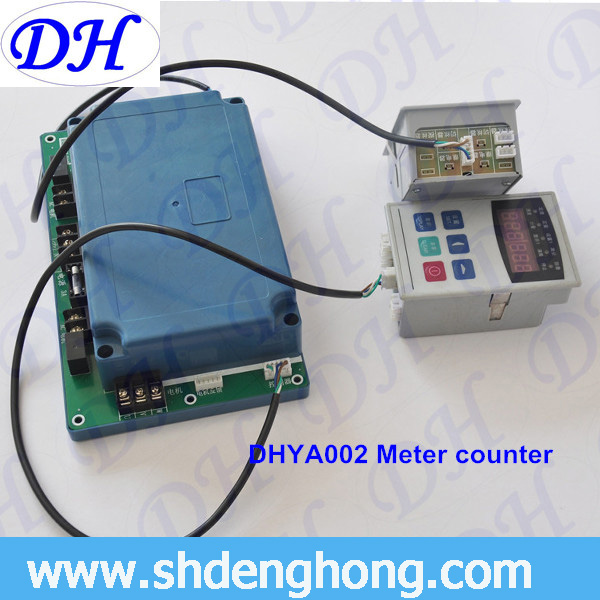
Meter Counter Board
Red button [O] --- Start/Stop the single spindle winding machine
Clear --- When winding machine stop, press “Clear” button to clear the length to zero and count the length again.
Display --- When press “Display” button, “Speed” and “Counting” LED is on by turns. At the same time, the current speed and current length displays by turns.
Settings --- Set all parameters
[◄] --- Choose the digits when adding numbers of flashing password or setting parameters.
[▲]--- Change a digit or password when flashing digits or password needs to be added 1
Six digital tubes and LED lights
Function of LED
There are five setting lights: [Counting], [◄], [▲] button and [Constant speed], [Constant ration], [Setting 1], [Circumference], [Anti-yarn overlap].
Press [▲] button, to change a digit or password when flashing digits or password needs to be added 1
Press [Setting] button, digital tube stops flashing and the value which changed just now is effective.
Press [Setting] button again, setting lights turns and enter to the new parameter setting.
Notes: when each parameter setting is over the Limitation, the setting value will return the limited value.